Photo Quality Enhancer
Sharpen blurry, low-resolution photos and upscale them 2× — without changing faces. First photo free, then from $4.99. Sign in with Google.
 BeforeAfter
Soft, compressed portrait enhanced 2× · AI-generated sample photo
Upload a photo
Blurry, soft, small or compressed. One photo at a time.
or drop it here · JPEG, PNG or WebP up to 10 MB; larger photos are resized to 2048 px per side
Your first photo is free. After that, one credit per photo. No subscription.
You hand over a product photo 640 px wide, softened and recompressed the way chat apps do it. You get it back at 1280 px, with the same label.
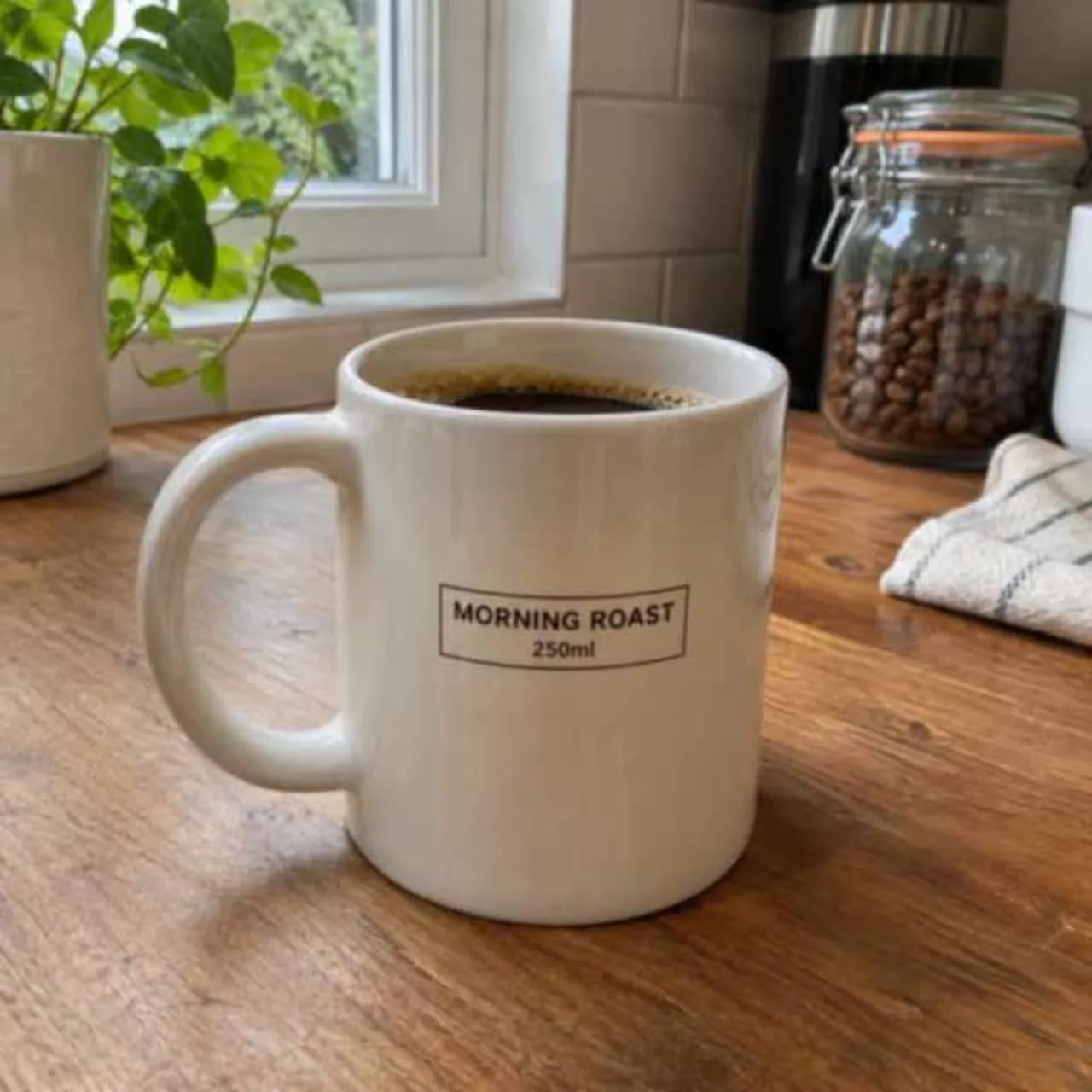
Blurry in.
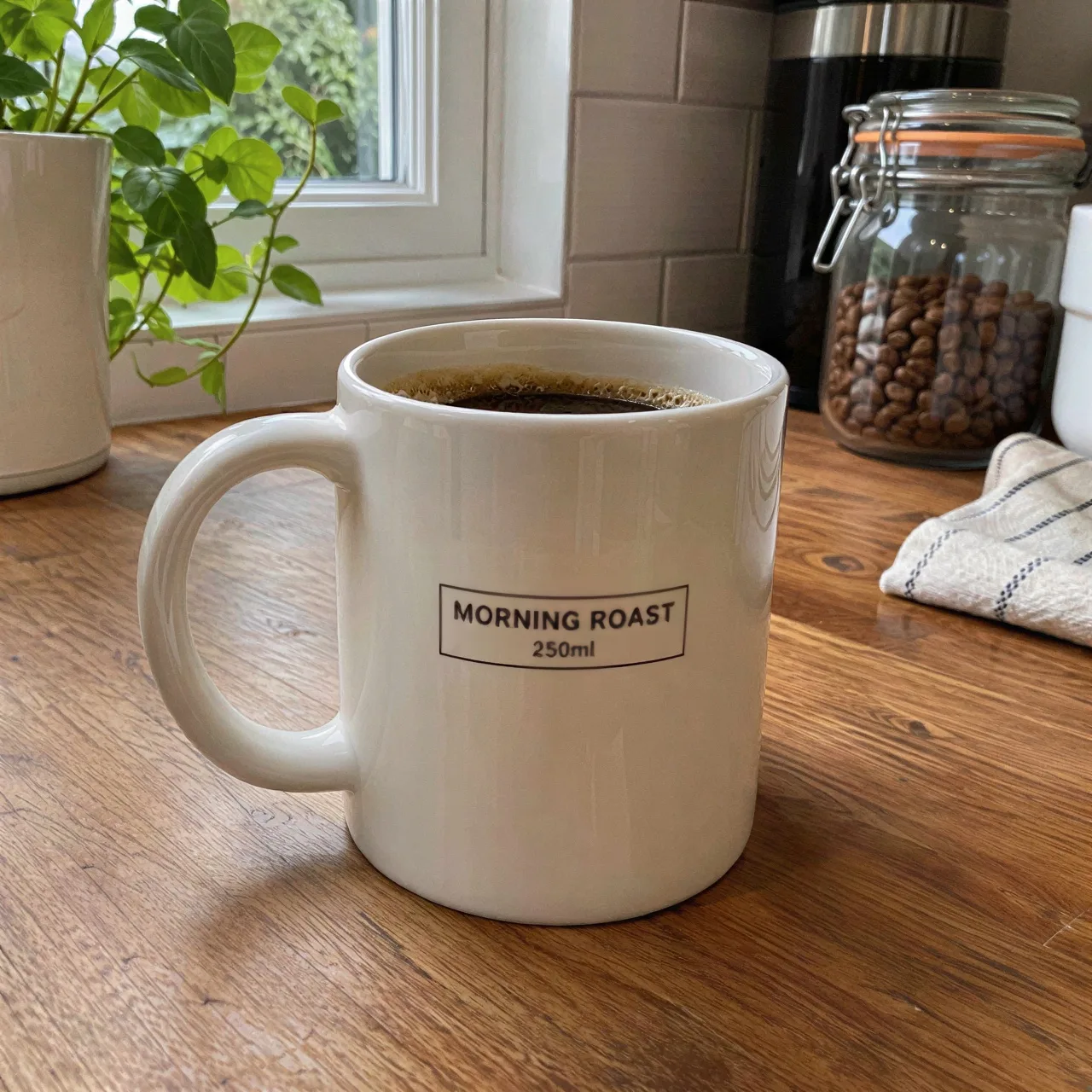
How it works
First, upload a photo.
Choose one photo (JPEG, PNG or WebP up to 10 MB; larger photos are resized to 2048 px per side). It is checked in your browser before anything is sent.
 IMG_2041.jpg640 × 427 px · 61 KB · JPEGReady
Then sign in and pick a pack.
Sign in with Google. Packs start at $4.99 for 25 photos as a one-time purchase.
Next, compare before and after.
Drag the slider to check the enhanced copy against your original.
Finally, download.
Save the enhanced file. One credit is used per delivered photo.
Photo packs
$9.99one-time
80 full-size enhancements at $0.12 each. Every photo comes back twice the width and height, without a watermark. Credits never expire and there is no subscription.
What it does and does not do
The enhancer runs an upscaling model that sharpens edges, reduces noise and compression blocks, and enlarges the image. It works on the pixels you upload; it does not redraw faces or invent new objects.
That keeps the result faithful: the same people and the same expressions. Very small or heavily blurred text can come out as the wrong letters, so zoom in and check text before you download. If a detail is not in the original at all, the enhancer cannot recover it.
Who uses a photo quality enhancer
- Product and listing photos. Sharpen phone shots of products before posting them to a shop, marketplace or rental listing.
- Profile and social pictures. Clean up a soft selfie or a cropped group shot so it holds up as a profile photo.
- Screenshots and saved images. Recover a crisper copy of an image that was compressed by a chat app or downloaded at low resolution.
- Printing. Enlarge a small photo before printing it so edges stay clean at the print size.
Limits
- Heavy motion blur or a completely out-of-focus subject can look cleaner but will not become fully sharp.
- Very small images (under 64 px per side) do not carry enough detail to enhance.
- Very small or heavily blurred text can come out as the wrong letters, so zoom in and check text before you download.
- This tool does not repair torn or damaged prints or add color; it only sharpens and enlarges.
- Uploads are processed only when Google sign-in, server-side validation, input and output safety review, budget and quota controls, and private storage are all available; otherwise the request fails without charging a credit.
Tips for the best result
- Upload the original file. Use the largest version you have, not a screenshot of it. Every re-save loses detail.
- Crop after enhancing. Enhance the full photo first, then crop. Cropping first throws away pixels the model could use.
- Check faces and text. Zoom into eyes, hair and lettering with the slider before you download.
Photo quality enhancer FAQ
How much does the photo quality enhancer cost?
You sign in with Google, then buy a pack. Available photo packs: 25 photos for $4.99, 80 photos for $9.99 or 200 photos for $19.99, one-time purchases, no subscription. One credit enhances one photo. Your first photo is free: each Google account gets one full-size enhancement without a watermark. Credits are reserved per photo and only used when a result is delivered.
Do I need an account?
Yes. You sign in with Google before you enhance a photo or pay, so your credits and results stay with your account.
Will the enhancer change my photo?
It sharpens and enlarges what is already there. It keeps faces, expressions and colors, and it does not add or remove objects. Very small or heavily blurred text can come out as the wrong letters, so zoom in and check text before you download.
What happens to my photo after I upload it?
When you press Enhance, the photo is uploaded to this site’s server for validation. SeeAPI reviews the input and the result for safety, and an upscaling model on Kie sharpens and enlarges the photo. Results are stored privately for your account; the Privacy Policy lists the deletion periods. Kie keeps uploaded copies for 24 hours and generated images for 14 days, and we cannot delete its copies sooner.
Which files are supported?
JPEG, PNG or WebP up to 10 MB; larger photos are resized to 2048 px per side.
Can I get a refund?
A pack you have not used at all can be refunded within 7 days. Credits that were used are not refunded, including when you do not like the result. If enhancement fails on our side, the request goes to support, who either deliver the photo or return the credit within 24 hours.